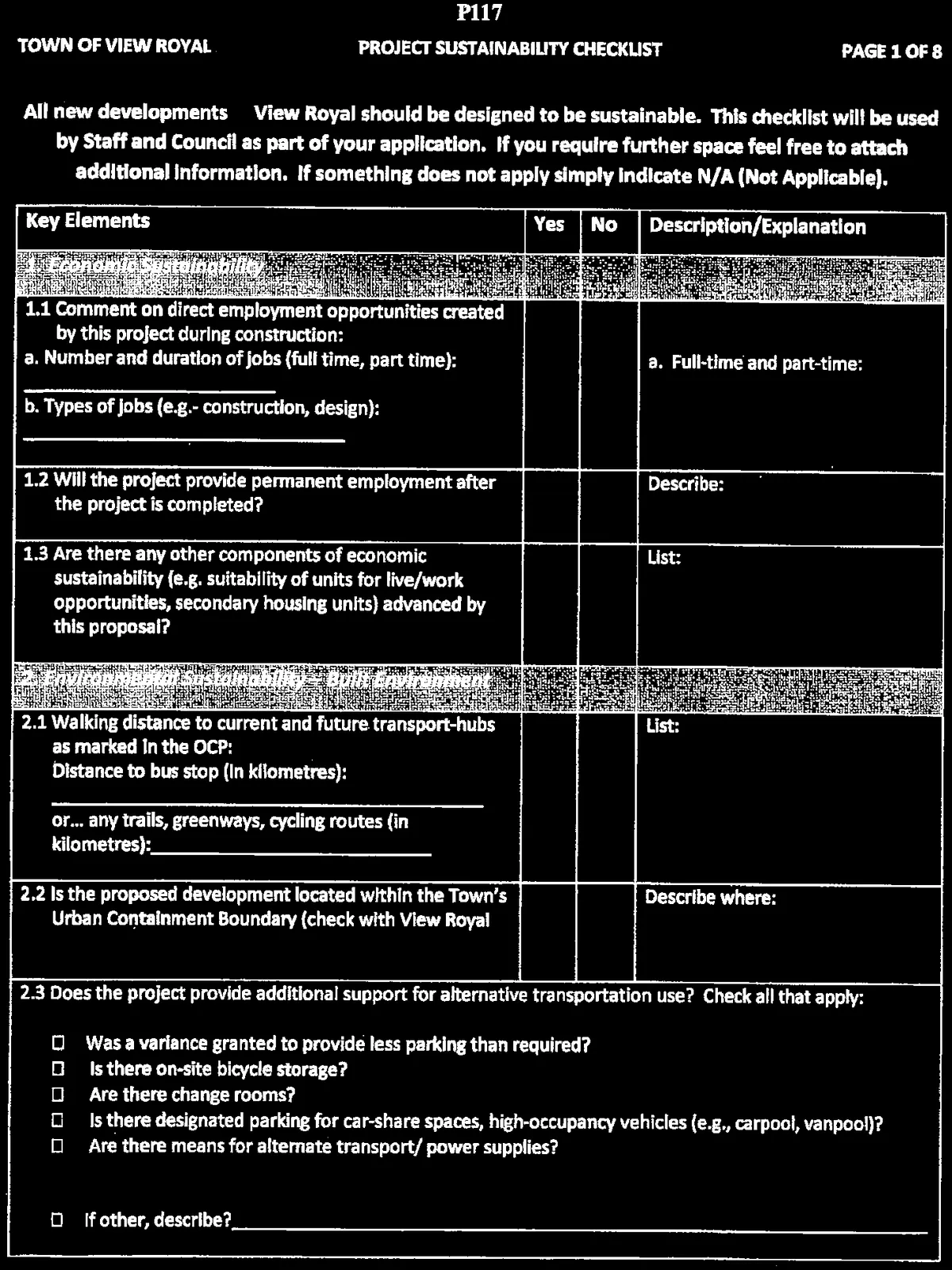
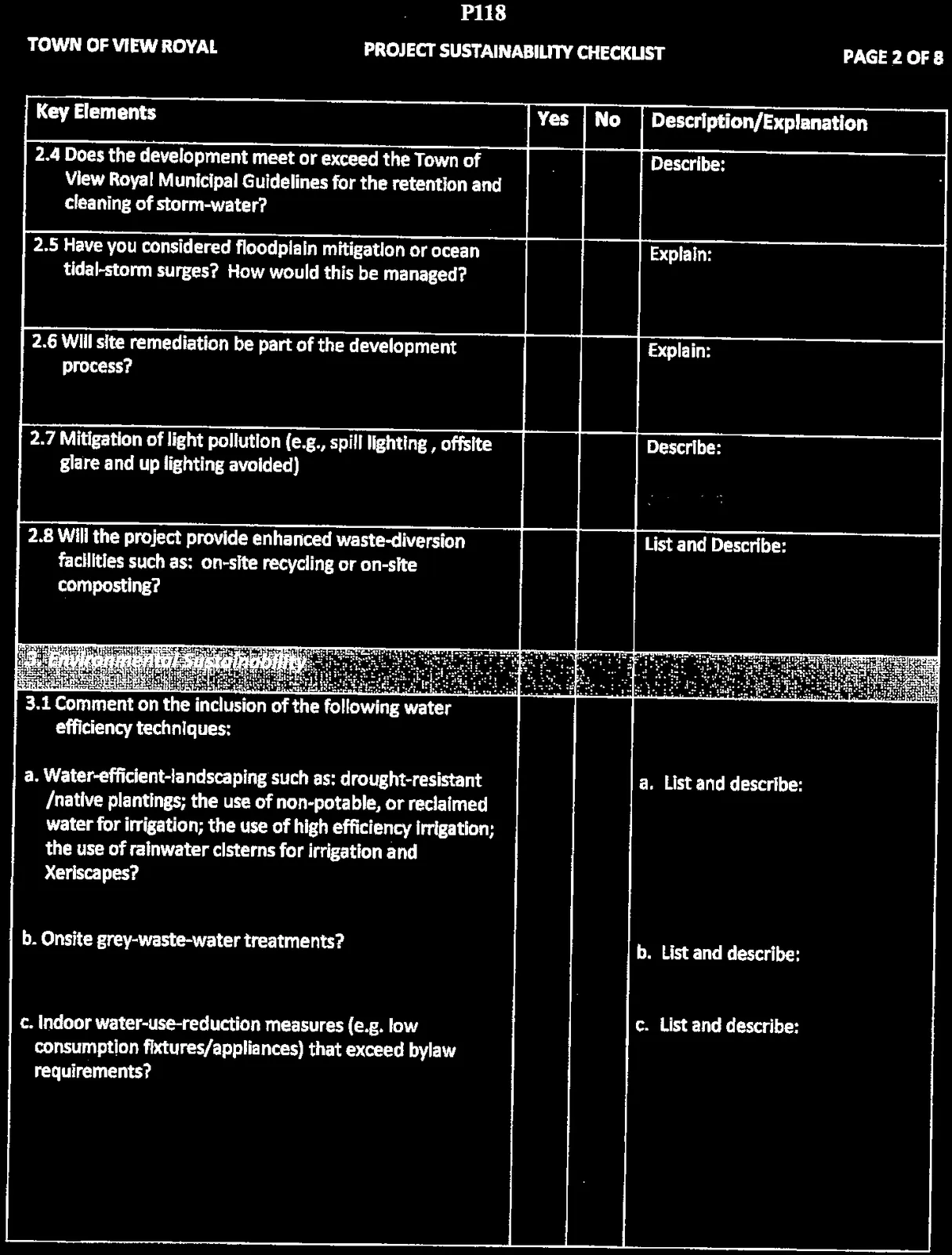
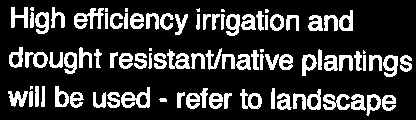
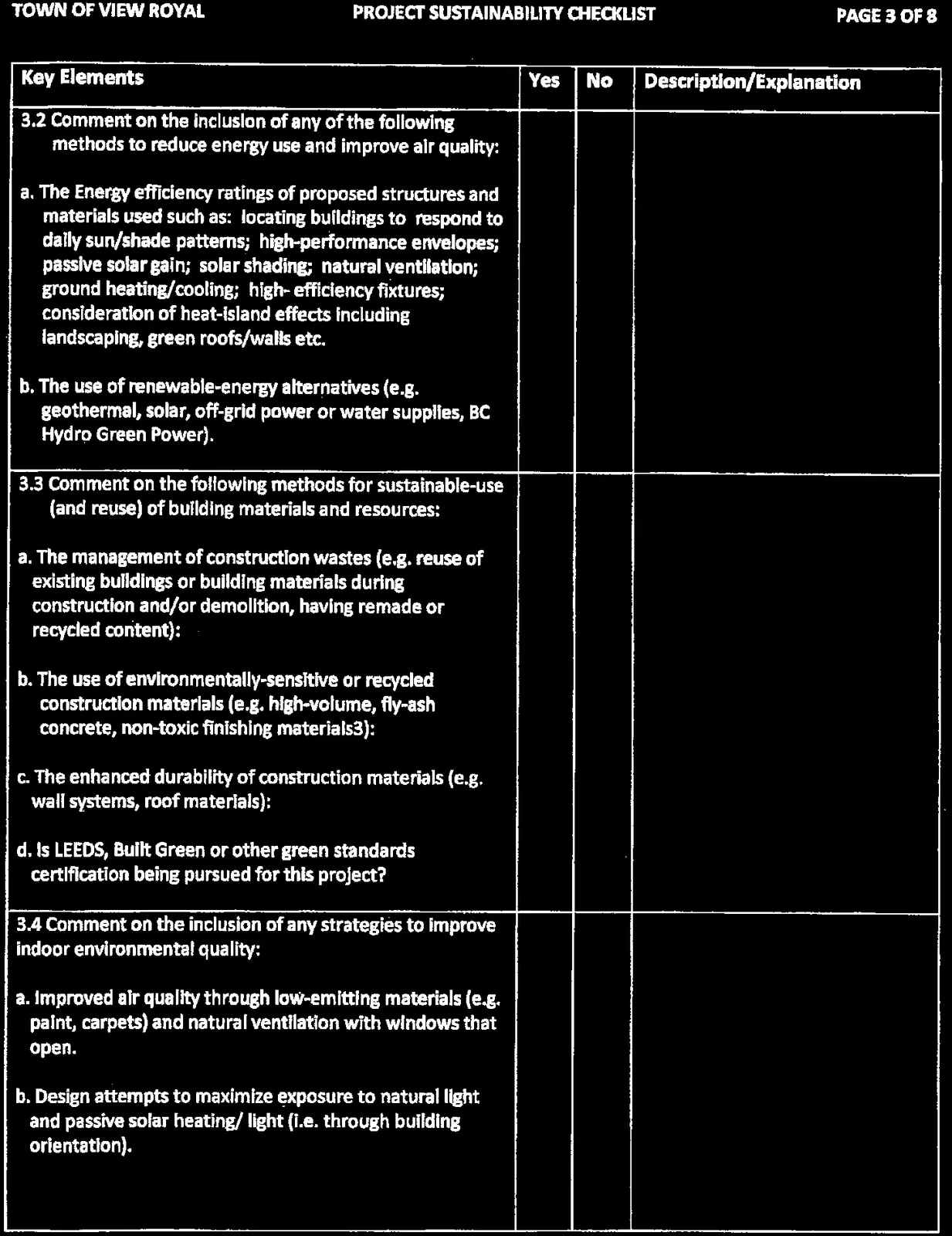
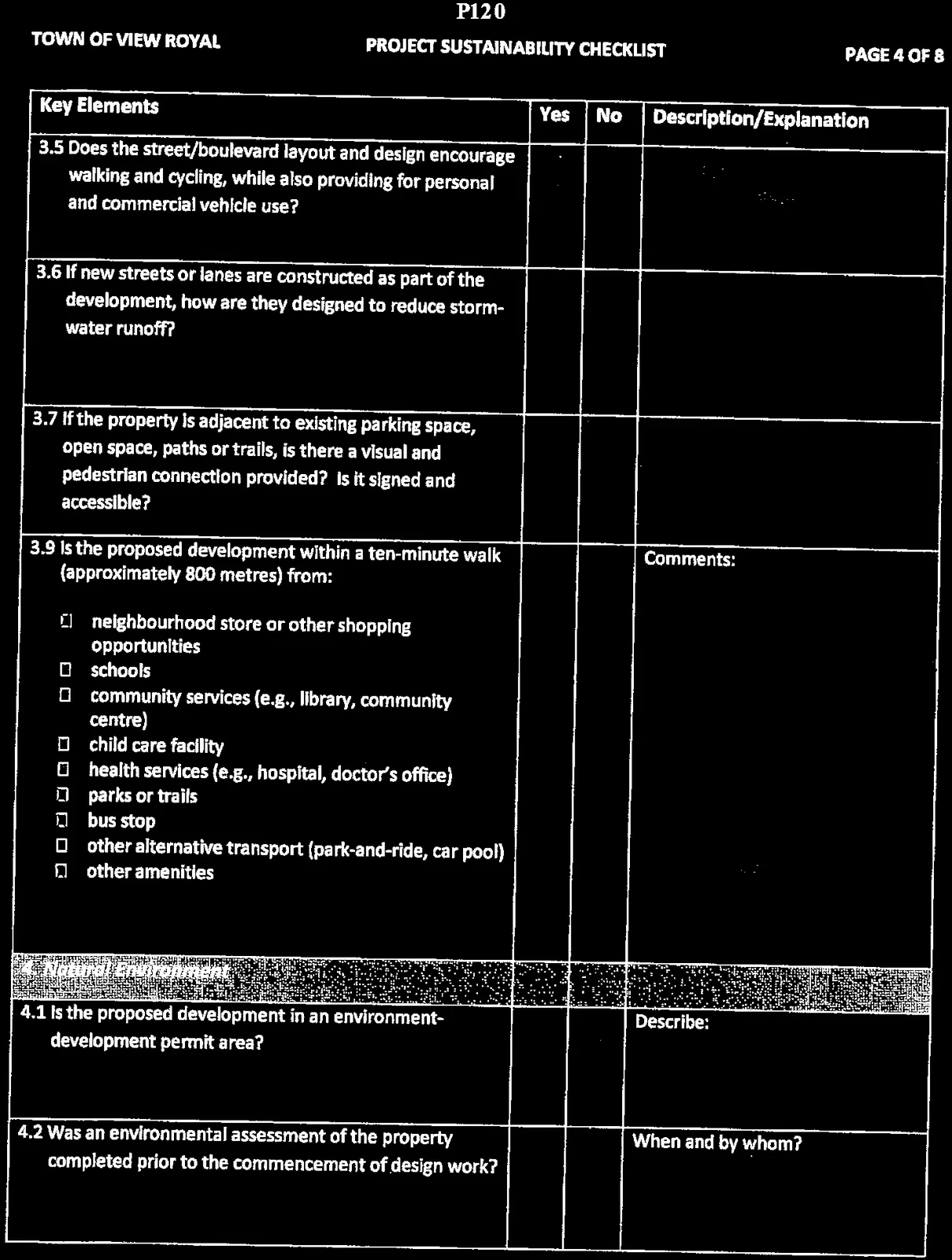
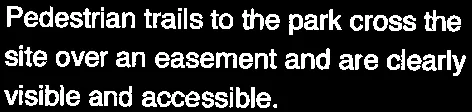
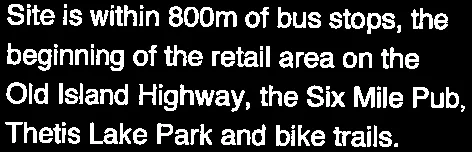
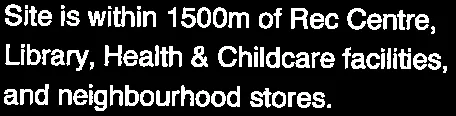
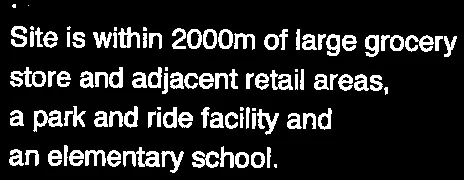
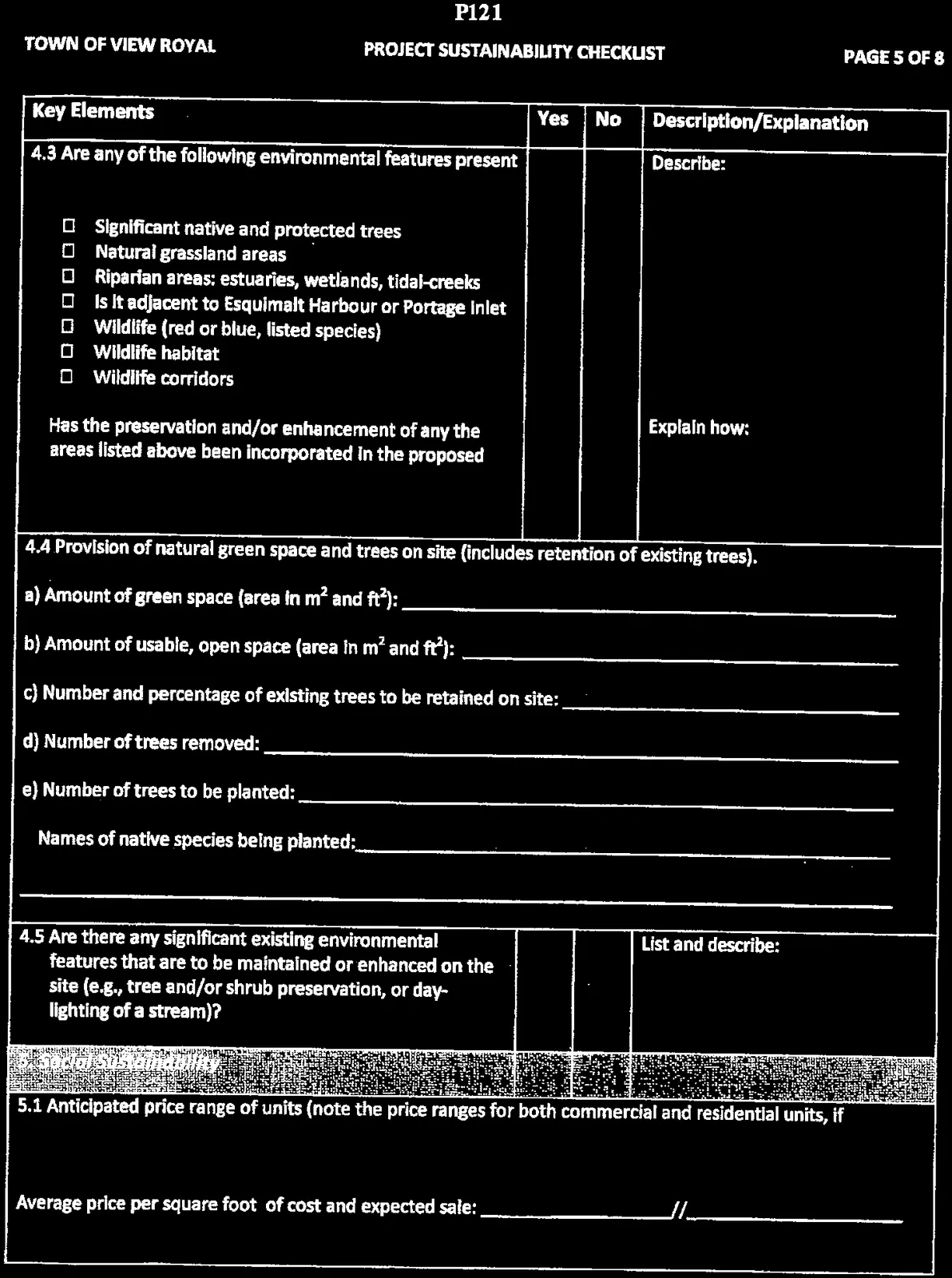
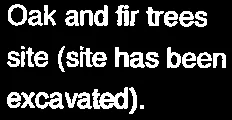
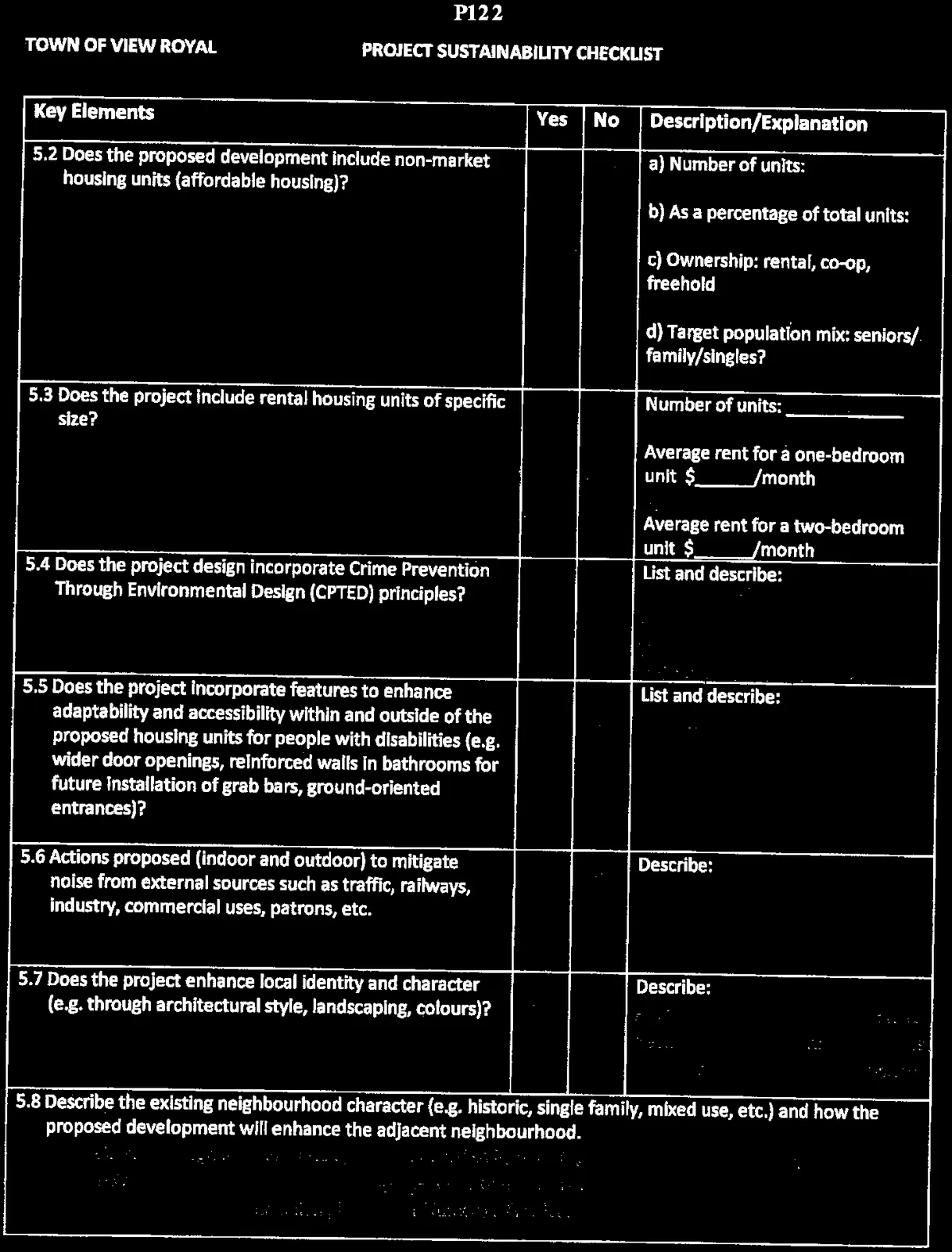
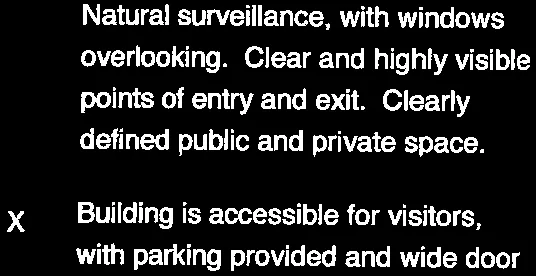
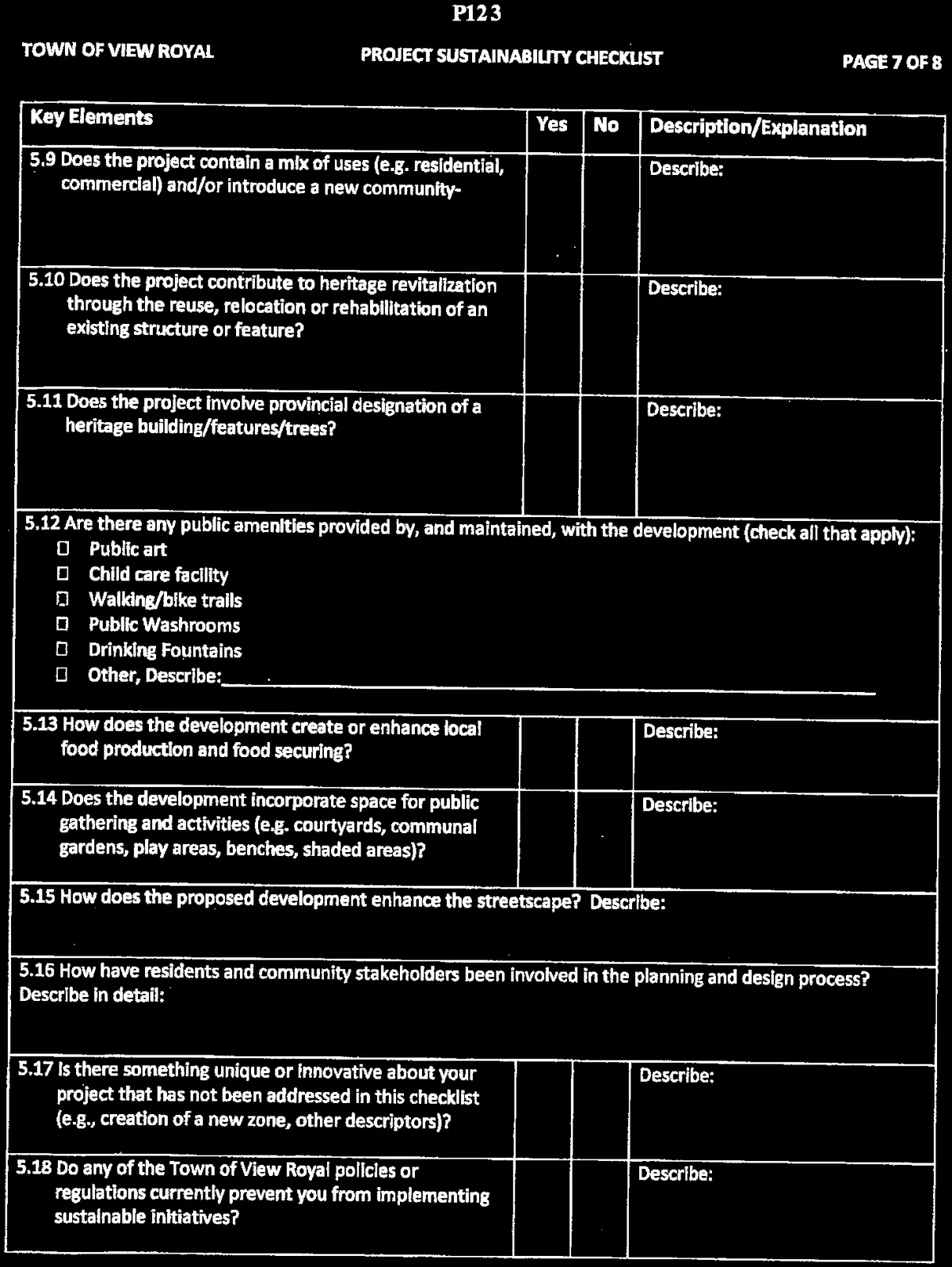
Project Sustainability Checklist - 301 Nursery Hill Drive
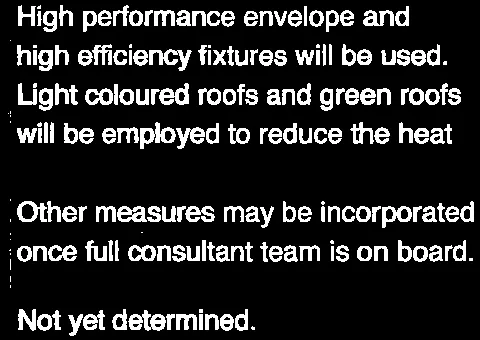
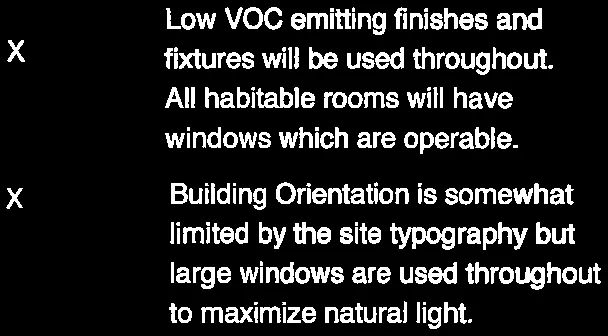
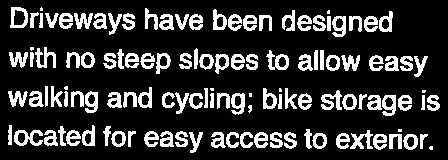
Town's required form evaluating economic, environmental, and social sustainability features of the development.
import argparse import sys from pathlib import Path
from PIL import Image
Parse command line arguments
parser = argparse.ArgumentParser() parser.add_argument('output_format', help='Output format: gif or png') parser.add_argument('background_color', help='Background color: white, black, or transparent') parser.add_argument('input_folder', help='Path to the input folder containing .webp files') args = parser.parse_args()
Validate output format
if args.output_format not in ['gif', 'png']: print("Invalid output format. Please choose 'gif' or 'png'.") sys.exit(1)
Validate background color
if args.background_color not in ['white', 'black', 'transparent']: print("Invalid background color. Please choose 'white', 'black', or 'transparent'.") sys.exit(1)
Create input and output paths
input_path = Path(args.input_folder) output_path = input_path / 'output' output_path.mkdir(exist_ok=True)
Loop through .webp files in input folder
for file_path in input_path.glob('*.webp'): try: # Open image with Image.open(file_path) as im: # Create a background image if not transparent if args.background_color != 'transparent': bg_color = (255, 255, 255) if args.background_color == 'white' else (0, 0, 0) bg = Image.new('RGB', im.size, bg_color) # Paste image onto background (handles transparency if present) if im.mode == 'RGBA': bg.paste(im, mask=im.split()[3]) else: bg.paste(im) im = bg
        # Save in requested format
        output_file_name = file_path.stem + '.' + args.output_format
        im.save(output_path / output_file_name, format=args.output_format.upper())
        print(f"Converted {file_path.name} to {output_file_name}")
except Exception as e:
    print(f"Error converting {file_path.name}: {e}")
print("Conversion complete.")
### Explanation of the Script

1.  **Libraries**:
    *   `argparse`: Handles command-line arguments.
    *   `pathlib`: Modern and easier-to-use path manipulation.
    *   `PIL` (Pillow): The library used for image processing.

2.  **Argument Handling**:
    *   `output_format`: User specifies `gif` or `png`.
    *   `background_color`: User specifies `white`, `black`, or `transparent`.
    *   `input_folder`: The directory where your `.webp` files are located.

3.  **Path Management**:
    *   It looks for a folder.
    *   It creates a subfolder named `output` inside that folder to save the results.

4.  **Image Processing**:
    *   `Image.open(file_path)`: Opens the `.webp` file.
    *   **Transparency Handling**:
        *   If the user wants `white` or `black` backgrounds, the script creates a new canvas of that color and pastes the original image on top. This ensures that transparent parts of the original `.webp` don't turn into messy artifacts.
        *   If the user wants `transparent`, it just saves it directly (works best for `png`; `gif` transparency can sometimes be finicky depending on the source).

5.  **Execution**:
    *   Iterates through every file ending in `.webp` and saves the conversion.

### Requirements

You will need to install the Pillow library if you haven't already:

```bash
pip install Pillow
Usage
Run the script from your terminal like this:
# To convert to PNG with a white background
python script_name.py png white ./path/to/my/images

# To convert to GIF with no background (keeping transparency)
python script_name.py gif transparent ./path/to/my/images
Document Images
(29)